Your notes, always at hand
Keep your speaker notes in view.
PPTControl automatically reads the speaker notes from PowerPoint and Keynote presentations.
Your key points stay with you without appearing to your audience.
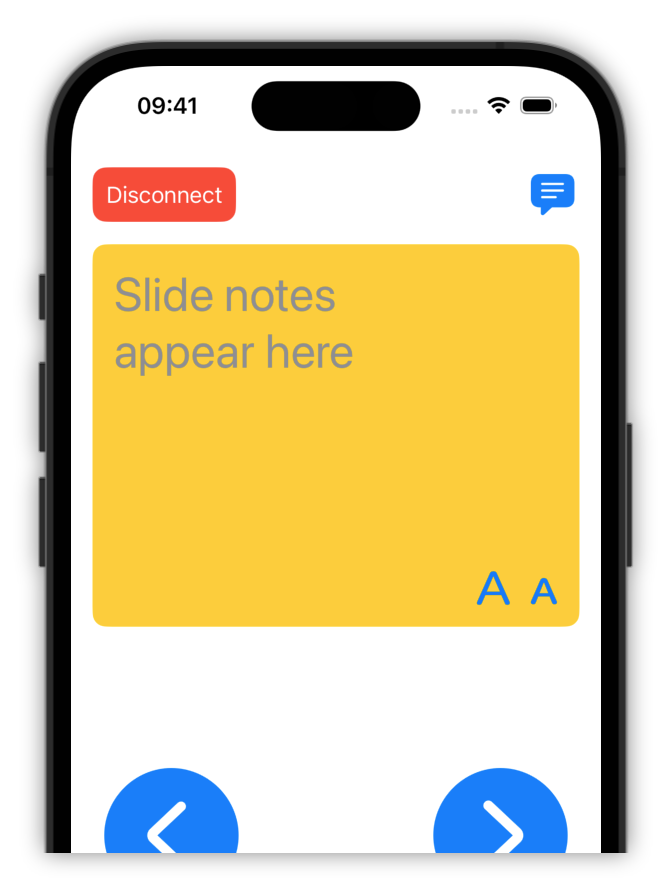
Control your presentations conveniently and easily with your smartphone, tablet or smartwatch.

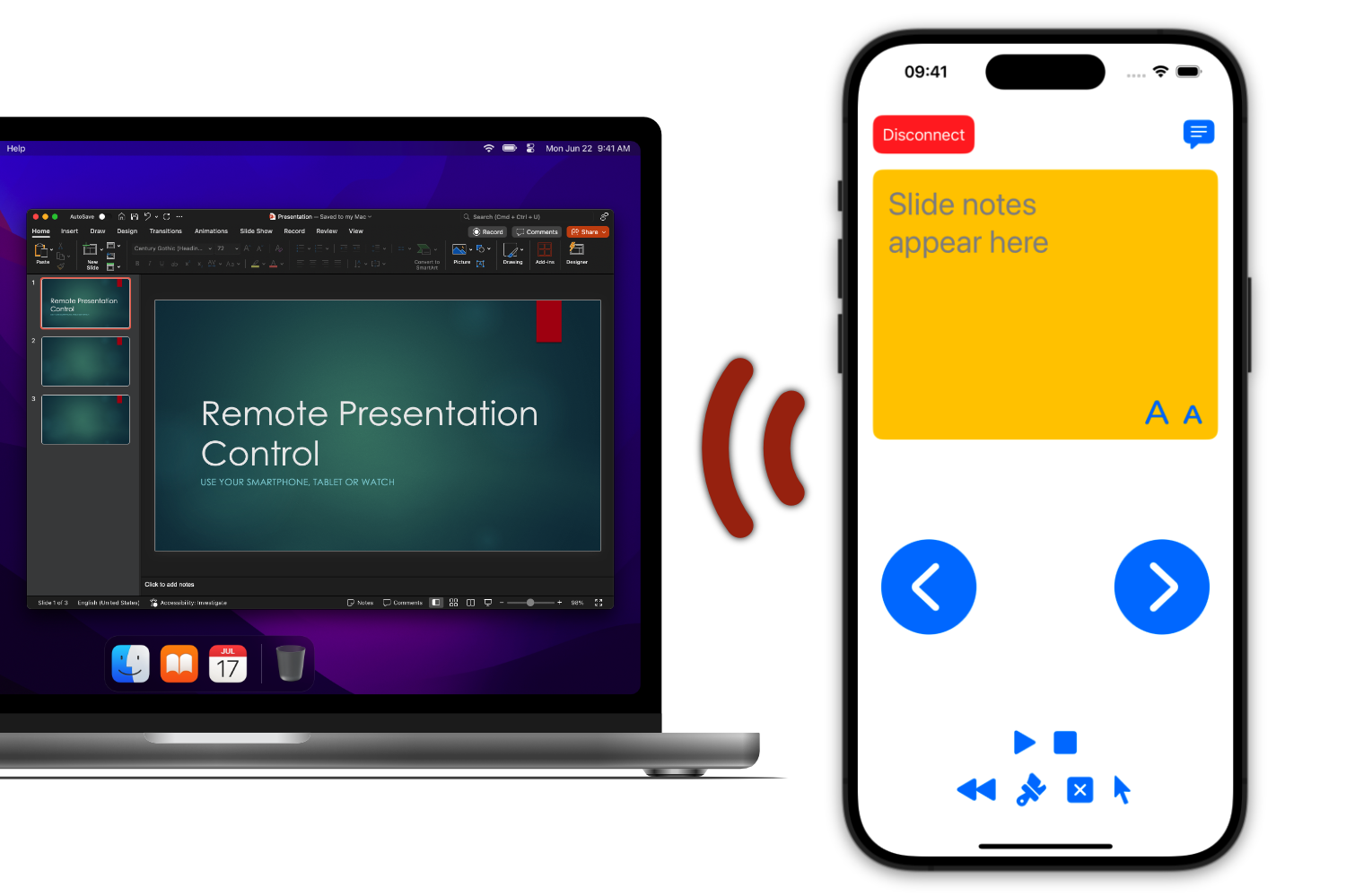
Your notes, always at hand
PPTControl automatically reads the speaker notes from PowerPoint and Keynote presentations.
Your key points stay with you without appearing to your audience.
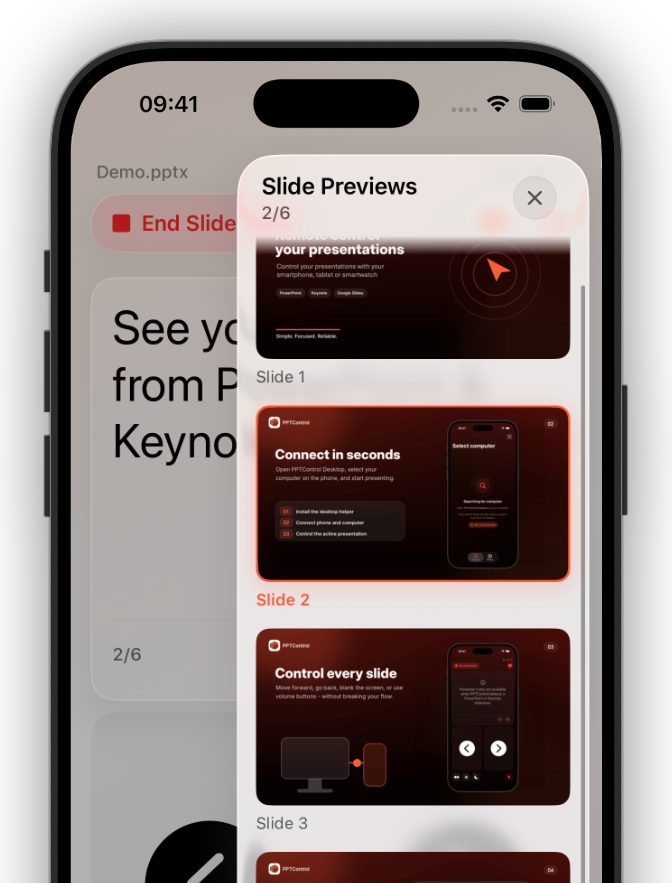
Every slide at a glance
See your slides while presenting and jump directly to any point with a tap.
No backtracking and no searching on your computer.
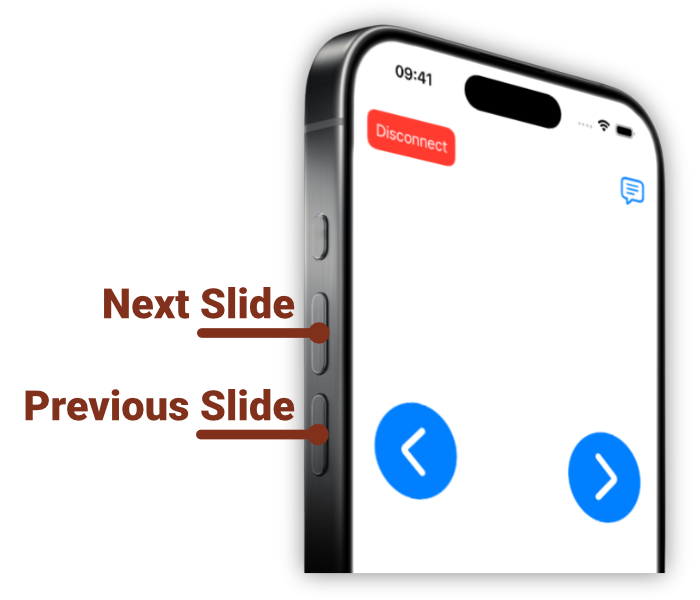
Stay focused on your audience
Use your phone’s physical volume buttons to move to the next or previous slide.
Keep your eyes on the audience and turn your phone into a presentation clicker.
Point out what matters
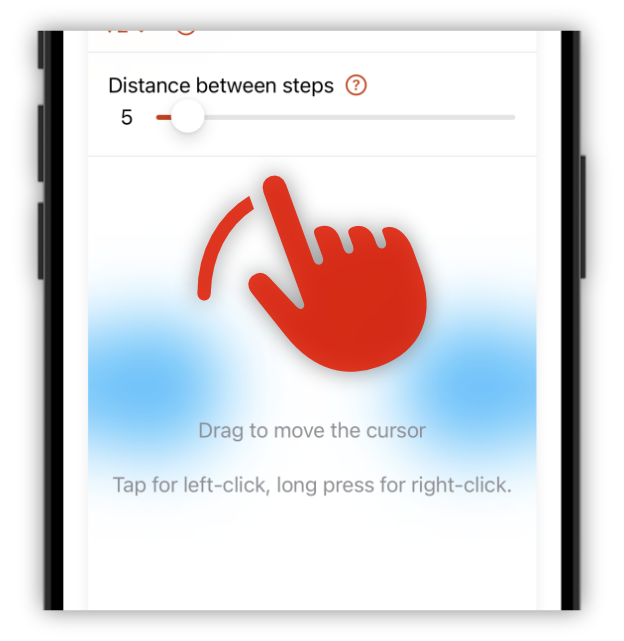
Control the cursor on your Windows PC or Mac precisely from your phone.
Use the laser pointer to highlight important content in PowerPoint, Keynote, or Google Slides.
Right from your wrist
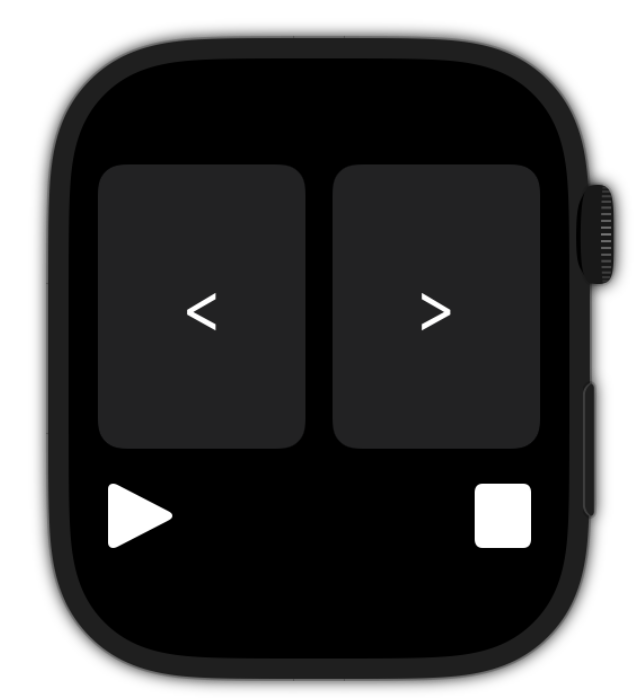
Control presentations conveniently with your Apple Watch.
Change slides with a tap or the double tap gesture.

Have been using this app to control my training PowerPoints. I like that you can also read notes on your phone. You won’t be disappointed.
Once I figure out I needed the desktop app, it all worked great. Simple, easy reliable.
It replaces a clicker and frees me from being tethered to my computer while presenting. I like that it is connected using Bluetooth as where I am at, WiFi can be spotty. If there was any knock on th
PPTControl currently connects through Bluetooth Low Energy, also called BLE.
Bluetooth must be enabled on both devices, and PPTControl Desktop must stay open on the computer while you use the remote.
Make sure PPTControl Desktop is installed and open on the computer, and that Bluetooth is enabled on both devices.
Make sure the phone and computer are not paired through normal Bluetooth settings. If they are, remove that pairing on both devices, restart both devices, and connect again only through PPTControl.
On Mac, also make sure the required permissions are granted. On Windows, check whether the Bluetooth adapter supports Bluetooth Low Energy peripheral/server mode.
Yes, with Pro, speaker notes are available for supported PowerPoint and Keynote presentations.
Open the presentation on the computer, connect PPTControl, and tap the notes icon in the mobile app. Make sure the presentation actually contains notes and that both PPTControl apps are updated.
PPTControl is focused on Microsoft PowerPoint, Apple Keynote, and Google Slides.
Basic slide controls work best with the supported desktop workflows. Advanced features depend on the presentation app and platform.
Download PPTControl and take control of your next presentation.